Welcome Aboard. Let AI Handle Your Strategy,
Creative, and Analytics
Welcome Aboard. Let AI Handle Your Strategy, Creative, and Analytics
Welcome Aboard. Let AI Handle Your Strategy, Creative, and Analytics
Welcome Aboard. Let AI Handle
Your Strategy, Creative, and Analytics
Download Fast Ads to activate them and start automating your ad reports, data sync, and competitor tracking.
Download Fast Ads to activate them and start automating your ad reports, data sync, and competitor tracking.
Available on macOS and Windows
Need help? Reach out at support@fast.ad
Your download has started. If it doesn’t start automatically, click the button below to download Fast Ads and install it manually.
Available on macOS and Windows
Download Fast Ads to activate them and start automating your ad reports, data sync, and competitor tracking.
macOS
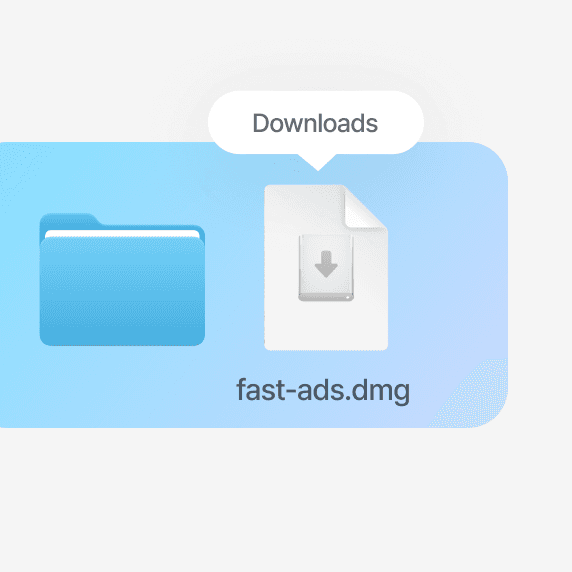
Open the Downloads folder and
double-click fast-ads.dmg to launch the installer
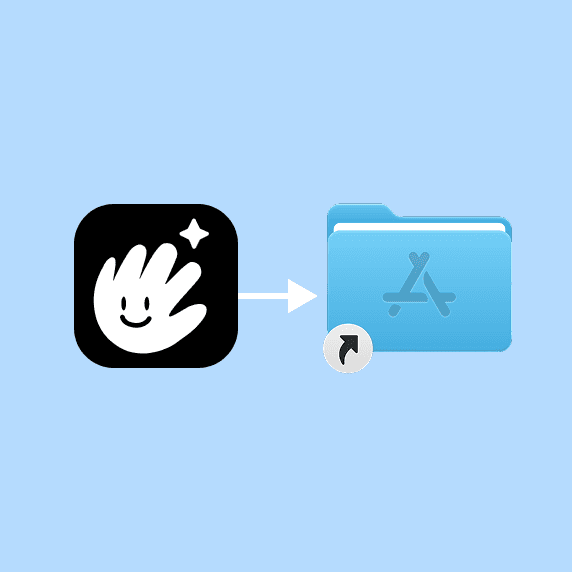
Drag the Fast Ads icon into the Applications folder.
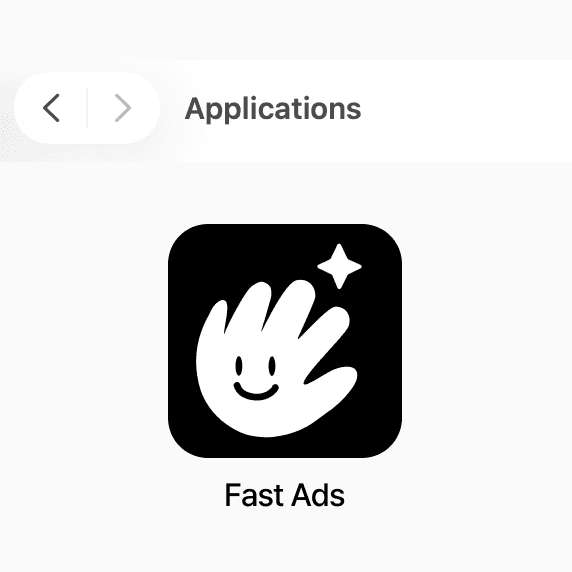
Double-click Fast Ads in the Applications folder.
Windows
Windows
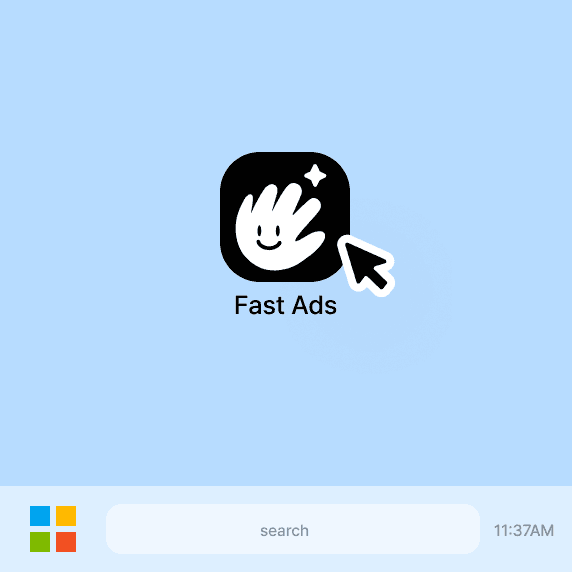
Open the Downloads folder and
double-click fast-ads-setup.exe to launch the installer
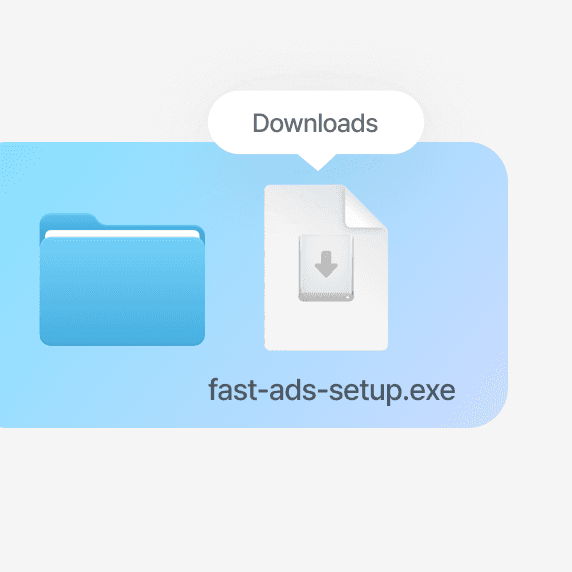
Open the Downloads folder and
double-click fast-ads-setup.exe to launch the installer
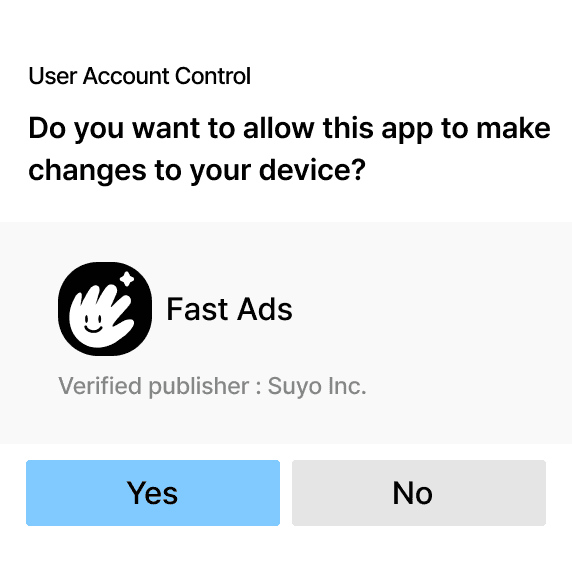
Click "Yes" when the
User Account Control
popup appear
After installation, open Fast Ads
from the Desktop shortcut
or the Start Menu
After installation, open Fast Ads
from the Desktop shortcut
or the Start Menu
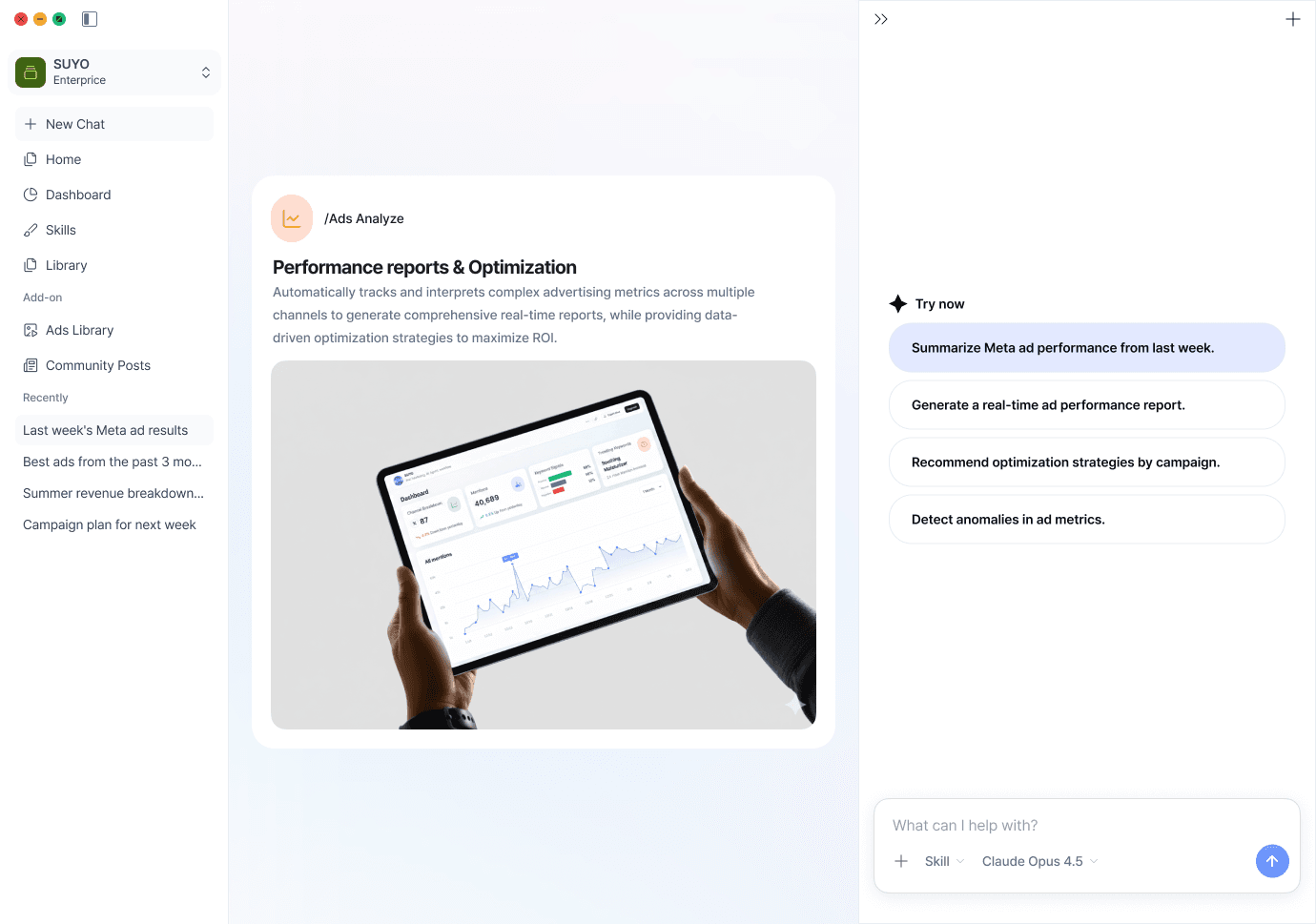

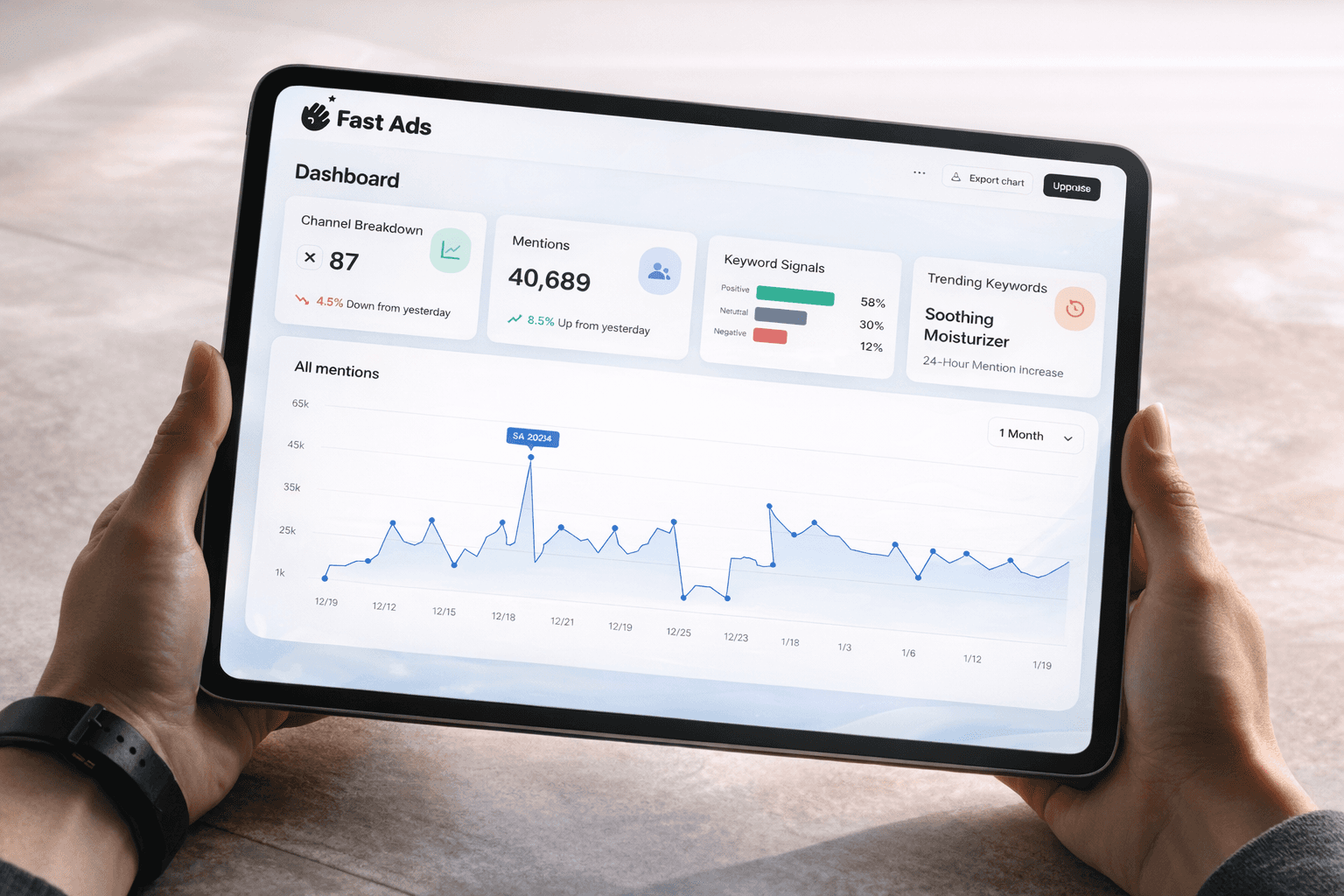
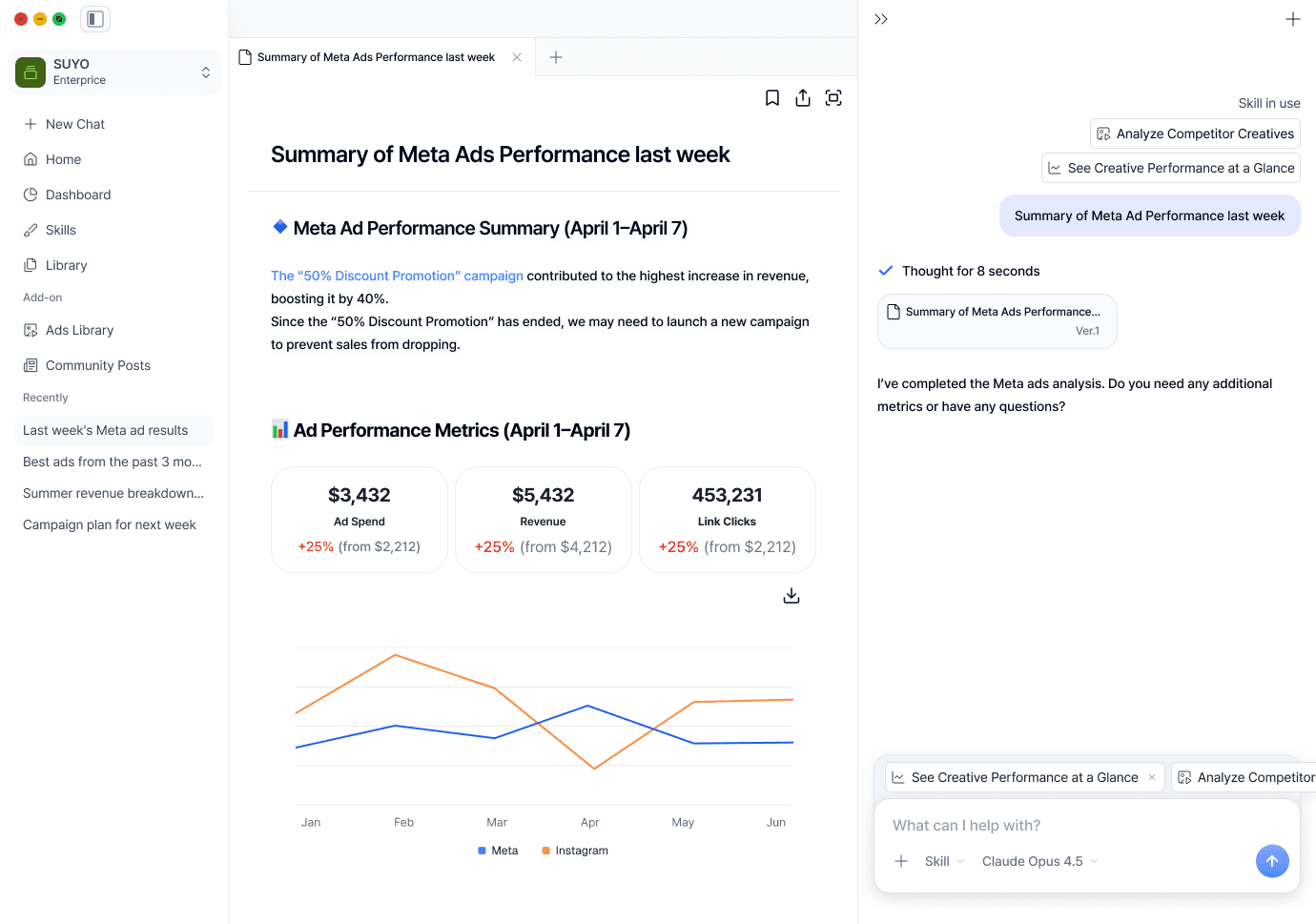
Performance Analytics & Insights
Performance Analytics & Insights
AI insights for your and competitors’ campaigns, all in one place.
AI insights for your and competitors’ campaigns, all in one place.
Performance Analytics & Insights
AI insights for your and competitors’ campaigns, all in one place.
Performance Analytics & Insights
AI insights for your and competitors’ campaigns, all in one place.
Performance Analytics & Insights
AI insights for your and competitors’ campaigns, all in one place.
Performance Analytics & Insights
AI insights for your and competitors’ campaigns, all in one place.